Why I Use CapCut for Multi-Country Content (My Honest Experience)
If you’re creating content for multiple countries, you already know the biggest challenge isn’t ideas — it’s execution.
Different languages, different platforms, different user habits…
Most video editing tools either feel too complicated or too local.
I work with content across US, UK, Canada, Australia, and parts of Europe, and after testing several tools, the one I keep coming back to is CapCut.
Here’s why.
What Makes CapCut Work So Well for Many Geos
1️⃣ Global-Friendly Templates (Not Country-Locked)
This was the first thing I noticed.
CapCut’s templates don’t feel “regional.”
They’re clean, modern, and designed for international audiences:
- Neutral visual style
- Perfect pacing for TikTok, Reels, and Shorts
- No overused local trends that confuse other markets
👉 One video concept can be reused across multiple geos with minimal changes.
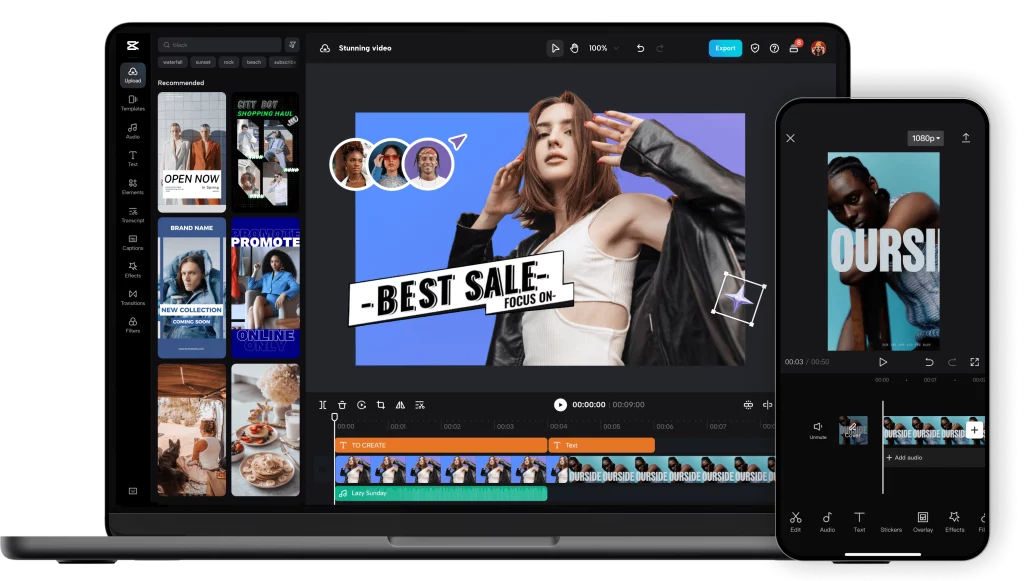
2️⃣ Multi-Language Subtitles That Actually Save Time
If you run international accounts, subtitles are non-negotiable.
CapCut makes this part surprisingly easy:
- Accurate auto-captions
- Supports English, French, Spanish, and more
- Subtitle styles are ready to use — no redesign needed
My usual workflow is simple:
Same video → different subtitle language → publish to another market.
That alone has saved me hours every week.
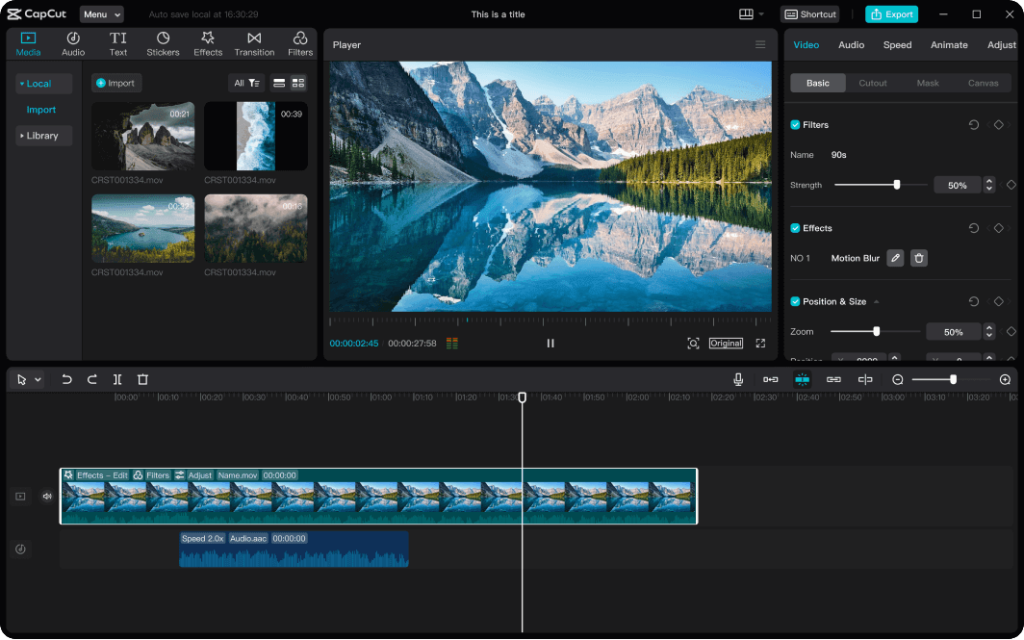
3️⃣ Beginner-Friendly, Even for New Teams
Not everyone running global campaigns is a professional editor — and that’s fine.
CapCut doesn’t require:
- High-end hardware
- Advanced editing skills
- Long onboarding time
New users can create clean, professional-looking videos in 1–2 hours.
If you’re doing affiliate marketing, CPA/CPS offers, or content testing, that speed matters.
Who CapCut Is Best For
CapCut is a strong fit if you:
- Run TikTok, Reels, or Shorts
- Promote offers in multiple countries
- Want fast content production without complexity
- Need a scalable tool for testing and growth
Especially for Many Geos strategies, CapCut just works.
Pricing: My Honest Recommendation
CapCut has a free version, and it’s good enough to test the workflow.
But if you’re serious about content production, I recommend CapCut Pro:
- More high-quality templates
- Commercial-safe assets
- Less time editing, more time scaling
Compared to hiring editors or constantly reworking videos, the cost is minimal.
Final Thoughts
I don’t believe in “magic tools.”
But if you’re looking for a reliable, scalable video editor that works across countries and platforms, CapCut is a solid long-term choice.
If you’re planning to expand into multiple markets, locking in the right editing tool early can save you a lot of time — and money.